
Ollama vs. vLLM auf DGX Spark für die Softwareentwicklung
Dass man große Sprachmodelle wie Ollama und vLLM lokal auf leistungsstarker Entwickler-Workstation-Hardware wie der NVIDIA DGX Spark ausführen kann, ist eine der spannendsten Hardware-Entwicklungen, die ich seit längerer Zeit gesehen habe.
Der DGX Spark ist eine sehr interessante Hardware mit 128 GB vereinheitlichtem Speicher. Hinsichtlich der Bandbreite ist er zwar nicht der preisbezogen schnellste Chipsatz auf dem Markt (ein Mac Studio ist theoretisch dreimal so schnell), jedoch verfügt er über eine unerreichte Speichertiefe, sodass theoretisch ein auf 4-Bit quantisiertes Modell mit 70 Milliarden Parametern auf ihm Platz findet.
Dies wirft jedoch eine Frage für den angehenden “Local-only”-Softwareentwickler auf. Welches Modell funktioniert am besten, wenn man sich bei Programmieraufgaben gerade erst in lokale LLMs einarbeitet?
Die beiden populären Optionen, die die lokale LLM-Ininference heute dominieren, sind Ollama und vLLM. Während beide hervorragend darin sind, Open-Weight-Modelle lokal auszuführen, dienen sie meiner Erfahrung nach grundlegend unterschiedlichen Arbeitsabläufen und Leistungszielen.
In diesem Artikel möchte ich meine Erfahrungen mit dem Betrieb beider Inferenz-Server auf dem Spark im August 2026 teilen und erläutern, welches Alltagsmodell ich für die Programmierung ausgewählt habe.
Eine kurze Bemerkung: Warum NVIDIA NIM nicht in diesem Vergleich enthalten ist
Bevor wir uns in das Thema vertiefen, fragen Sie sich möglicherweise, warum NVIDIA NIM (Inference Microservices) nicht auf dieser Liste steht. Zwar ist NIM eine beeindruckende Unternehmenslösung, die für Produktionscluster und Cloud-Bereitstellungen entwickelt wurde, jedoch bringt sie Überlegungen zur Unternehmenslizenzierung, den Overhead der NGC-Registry und strikte containerbasierte Arbeitsabläufe mit sich. Als lokaler Entwickler, der auf dedizierter Hardware baut und testet, benötige ich derzeit keine Orchestrierung im Cloud-Maßstab, um meine Arbeit zu erledigen. Ollama und vLLM geben mir die volle, uneingeschränkte Kontrolle über meinen Arbeitsablauf ohne externe Abhängigkeiten.
Ollama ist sehr einfach zu installieren und auszuführen.
Ollama hat sich zum Standard-Einstiegspunkt für die lokale Ausführung von LLMs entwickelt, und das aus gutem Grund. Unter der Haube nutzt Ollama llama.cpp Bereitstellung eines sauberen, entwicklerzentrierten Wrappers, der Low-Level-C++-Bindings, Quantisierungskonfigurationen und die Speicherverwaltung abstrahiert.
Kernkompetenzen
- Reibungsfreie CLI & API: Die Inbetriebnahme eines Modells ist so einfach wie
ollama, führen Sie llama3 aus. Es ruft Gewichte automatisch ab, übernimmt die Quantisierung (GGUF) und stellt eine OpenAI-kompatible HTTP-API unterlocalhost:11434. - Geringer Platzbedarf im Leerlauf: Ollama entlädt Modelle aus dem Speicher, wenn keine Aktivität vorliegt (über ein Timeout konfigurierbar), wodurch GPU-VRAM für andere lokale Aufgaben freigegeben wird.
- Model-Management: Mit Modelldateien können Sie Systemaufforderungen, Temperaturstandardwerte und Kontextlängen übersichtlich in einer einzigen Konfigurationsdatei anpassen.
Einschränkungen
- Geringerer Durchsatz bei gleichzeitiger Nutzung: Da es sich auf
llama.cpp‘Was die Architektur betrifft, so bewältigt Ollama interaktive Eingabeaufforderungen für einzelne Benutzer hervorragend, zeigt jedoch Leistungseinbußen, wenn es mit einer hohen Anzahl gleichzeitiger Anfragen überlastet wird. - Eingeschränkte erweiterte KV-Cache-Steuerung: Sie haben weniger direkte Kontrolle über benutzerdefinierte PagedAttention-, KV-Cache-Quantisierung- oder Tensorparallellismus-Parameter.
2. vLLM ist in Mehrbenutzersituationen wesentlich schneller
vLLM wurde von Forschern der UC Berkeley speziell entwickelt, um Speicherengpässe beim Betrieb von LLMs mit hoher Parallelität zu beheben. Basierend auf PagedAttention, vLLM verwaltet den Attention-Key-Value-Speicher (KV) in ähnlicher Weise, wie ein Betriebssystem den virtuellen Speicher mittels Paging verwaltet.
Kernkompetenzen
- Unvergleichliche Parallelität und Durchsatz: Durch „PagedAttention“ und kontinuierliches Batching erzielt vLLM bei Mehrbenutzer- oder parallelen Anforderungslasten einen 2- bis 4-mal höheren Durchsatz im Vergleich zu herkömmlichen Serving-Engines.
- Native Hugging-Face-Integration: Sie können vLLM direkt auf Standard-Repository-IDs von Hugging Face oder auf lokale Verzeichnisse mit unquantisierten bzw. quantisierten Safetensors verweisen, ohne die Gewichte zuvor in GGUF konvertieren zu müssen.
- Detaillierte architektonische Steuerung: Ermöglicht eine präzise Abstimmung der Tensorparallelität (
--tensor-parallel-size), maximale Modellkontextlängen, prozentuale Speicherauslastung des KV-Cache (--GPU-Speicherauslastung) sowie spekulative Dekodierung.
Einschränkungen
- Höherer Aufwand bei der Einrichtung und höherer Speicherbedarf: vLLM reserviert beim Start GPU-Speicher für seinen KV-Cache, wodurch selbst im Leerlauf beträchtliche Mengen an VRAM belegt werden.
- Entwickler-Ergonomie Für die Einrichtung von vLLM sind eine Python-Umgebung, CUDA-Abhängigkeiten oder die Verwaltung von Docker-Containern erforderlich – es handelt sich also nicht um ein einfaches Installationsprogramm mit einer einzigen Binärdatei.
Vergleichstabelle zwischen Ollama und vLLM für die Programmierung
| Merkmal | Ollama | vLLM |
|---|---|---|
| Primäre Kern-Engine | llama.cpp | PyTorch / PagedAttention |
| Modellgewichtungsformate | GGUF (Quantisiert) | Safetensors, AWQ, GPTQ, FP8, Unquantisiert |
| Hauptanwendungsfall | Lokales Skripting, Einzelbenutzer-Entwicklung, schnelles Prototyping | Mandantenfähige lokale API, Stapelverarbeitung, Produktionstore |
| Parallele Anforderungssammlung | Einfach (sequenziell / in der Warteschlange) | Kontinuierliches Batching + PagedAttention |
| Einrichtungsaufwand | Einzeiliges Installationsprogramm / CLI | Python-Paketpip install vllm) oder Docker |
| Kompatibilität mit der OpenAI-API | Ja (/v1/chat/completions) | Ja (/v1/chat/completions) |
| VRAM-Verwaltung | Dynamisches Laden und Entladen nach Bedarf | Vorallokierter KV-Cache-Pool |
Welches sollten Sie für lokale Programmieraufgaben wählen?
Entscheiden Sie sich für Ollama, wenn:
- Sie wünschen sich eine sofortige, reibungslose Einrichtung, um Prompts zu testen, lokale Skripte zu schreiben oder agentische Schleifen auf Ihrem Rechner zu erstellen.
- Sie führen Ein-Benutzer-Workflows durch, bei denen die Zeit bis zum ersten Token (TTFT) für den interaktiven Chat von entscheidender Bedeutung ist.
- Sie bevorzugen leichtgewichtige, quantisierte GGUF-Modelle, um den Speicherbedarf zu minimieren und im Leerlauf VRAM freizuhalten.
Wählen Sie vLLM, wenn:
- Sie machen Ihren DGX Spark zu einem lokalen Netzwerk-API-Server für ein Team oder mehrere interne Dienste.
- Sie führen umfangreiche Batch-Auswertungsaufträge, Benchmark-Suiten oder Skripte zur Erzeugung synthetischer Daten aus, die Dutzende paralleler Anfragen senden.
- Sie arbeiten direkt mit Gewichten im Hugging-Face-Format, benutzerdefinierten Feinabstimmungen oder erweiterten FP8-/AWQ-Quantisierungsschemata, ohne diese in das GGUF-Format zu konvertieren.
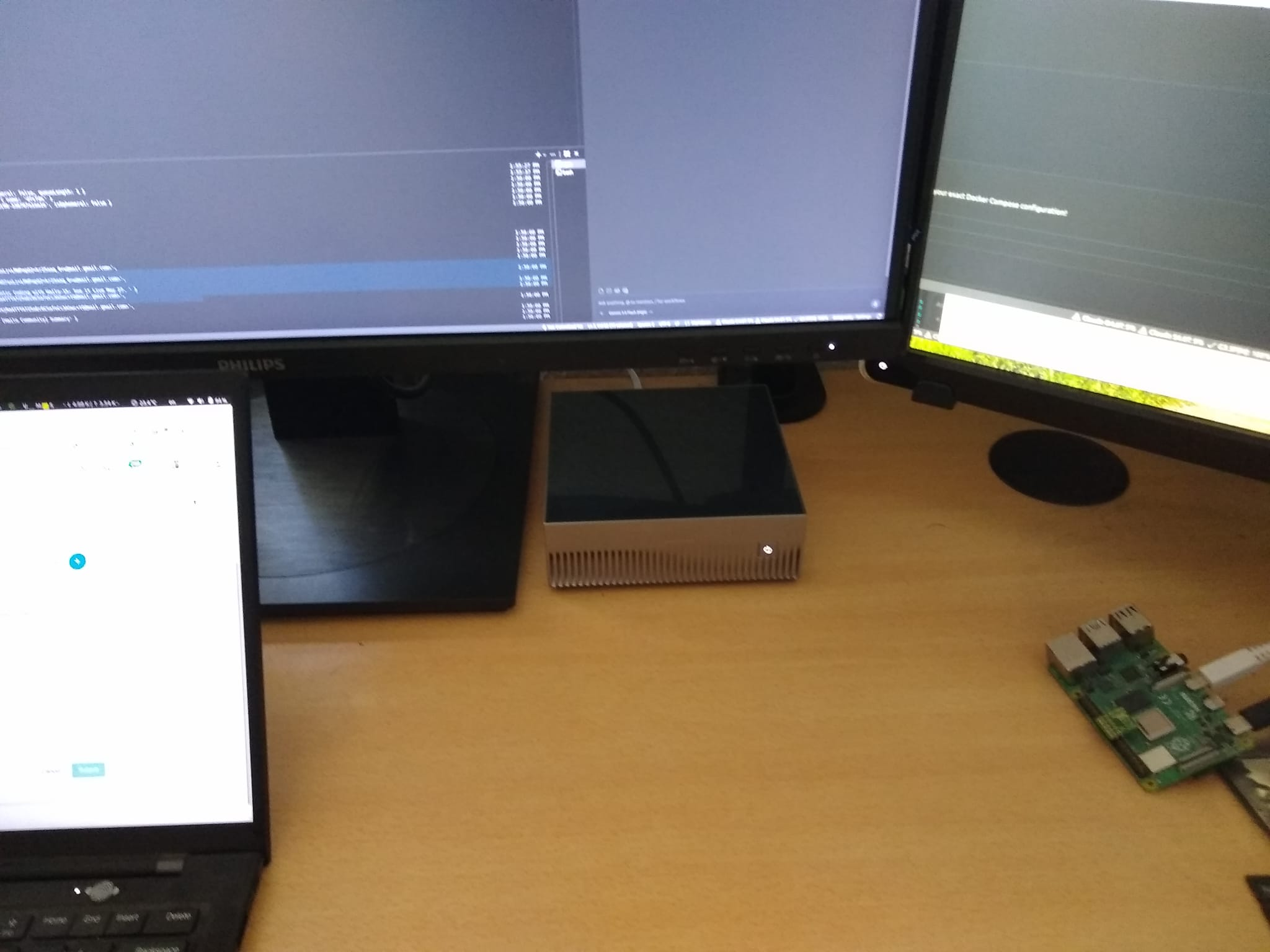
Das Modell, das ich tatsächlich täglich verwende, ist … Qwen 3.8 27B
Als ich den DGX Spark zum ersten Mal erhielt, freute ich mich sehr darauf, mehrere verschiedene größere Modelle zu testen und aus erster Hand Erfahrungen mit den Feinheiten der einzelnen Modelle zu sammeln – was jedes Modell zu bieten hat und wie sich unterschiedliche Quantisierungen auf die Funktionalität auswirken.
In der Praxis ist mein Alltagsauto derzeit Qwen 3.8 27B in Kombination mit einem DeepSeek-Codierungs-Harness. Standardmäßig neigt es dazu, Dinge zu sehr zu überdenken, was die Token-Generierung etwas verlangsamt, doch es ist außerordentlich leistungsfähig, wenn es darauf ankommt, Anweisungen strikt zu befolgen. Intuitiv fühlt es sich in Bezug auf Nuancen oder umfassendes Wissen über die reale Welt wie eine leichte Verschlechterung gegenüber 3.6 35B an, doch aufgrund seiner Präzision bei Programmieraufgaben ist es meine erste Wahl.
Dieser praxisnahe Arbeitsablauf hat letztendlich meine Art und Weise geprägt, wie ich beide Inferenzmaschinen nutze:
- Ollama für die Exploration: Jedes Mal, wenn ich ein neues Modell testen, mit einer Architekturoption experimentieren oder Quantisierungsstufen vergleichen möchte, starte ich es in Ollama. Der Workflow mit nur einem Befehl ermöglicht es mir, Evaluierungen durchzuführen, ohne Systemkonfigurationen anrühren zu müssen.
- vLLM für den Alltagsverkehr: Nachdem ich mich für Qwen 3.8 27B als mein Hauptmodell entschieden hatte, richtete ich es so ein, dass es dauerhaft über vLLM bereitgestellt wird. Dadurch bleibt meine zentrale Programmier-API schnell, stabil und jederzeit für mein Editor-Harness einsatzbereit.
Solange die Innovation weiterhin so rasant voranschreitet und ich das Bedürfnis habe, kontinuierlich neue Modelle zu evaluieren, werde ich Ollama behalten. Der All-in-One (AIO) Open WebUI-Container könnte nicht einfacher und schneller einzurichten sein. Unten finden Sie meine Docker-Konfigurationen:
Dienste:
  vllm-server:
    Image: vllm/vllm-openai:latest
    Containername: vllm-server
    ipc: host
    ulimits:
      memlock: -1
      stack: 67108864
    Ports:
      - "8000:8000"
    Umgebung:
      # Geben Sie Ihr tatsächliches Token direkt in die folgenden Anführungszeichen ein
      - HF_TOKEN="Ihr Token hier"
    volumes:
      - /root/.cache/huggingface/hub:/root/.cache/huggingface/hub
    deploy:
      resources:
        reservations:
          devices:
            - driver: nvidia
              count: all
              capabilities: [gpu]
    Befehl:
      - "--model"
      - "Inferact/Qwen3.8-27B-NVFP4"
      - "--gpu-memory-utilization"
      - "0,5"
      - "--tensor-parallel-size"
      - "1"
      # - "--max-model-len"
      # - "32768"
      - "--enable-chunked-prefill"
      # - "--max-num-batched-tokens"
      # - "8192"
      - "--kv-cache-dtype"
      - "fp8"
      - "--reasoning-parser"
      - "qwen3"
      - "--enable-auto-tool-choice"
      - "--tool-call-parser"
      - "qwen3_coder"
    restart: unless-stopped


  open-webui:
    image: ghcr.io/open-webui/open-webui:ollama
    container_name: open-webui
    restart: always
    environment:
      - OLLAMA_HOST=0.0.0.0
      - OLLAMA_ORIGINS=*
      - WEBUI_COOKIE_SECURE=False
    ports:
      - "8080:8080"
      - 11434:11434
    volumes:
      - open-webui:/app/backend/data
      - open-webui-ollama:/root/.ollama
    Bereitstellung:
      Ressourcen:
        Reservierungen:
          Geräte:
            - Treiber: nvidia
              Anzahl: alle
              Fähigkeiten: [gpu]
Zusammenfassung: Beginnen Sie mit Ollama für die tägliche Erfassung lokaler Daten, die Erstellung von Prototypen und die Erkundung. Wechseln Sie zu vLLM, sobald Sie mehrere Kunden gleichzeitig bedienen oder die Leistung bei der Batch-Inferenz voll ausschöpfen möchten.
 Deutsch (Sie)
  English